The workspace
A DataCharter workspace is a directory you can commit and clone.
The workspace
A DataCharter workspace is just a directory. Everything that describes your exploration environment lives in files you can read, diff, commit, and share — and nothing secret or machine-specific travels with them.
What’s in it
my-workspace/
  charter.yaml        # sources, tables, PII fields — your catalog as a contract
  queries/*.sql       # saved queries (the Query Files panel reads/writes these)
  .env.example        # placeholder secret names, committed
  .env                # real secrets — git-ignored, never committed
  .datacharter/       # local state (cache, snapshots, temp) — git-ignored
datacharter init scaffolds the committable parts; datacharter init --demo
adds a small generated dataset so you can try everything immediately.
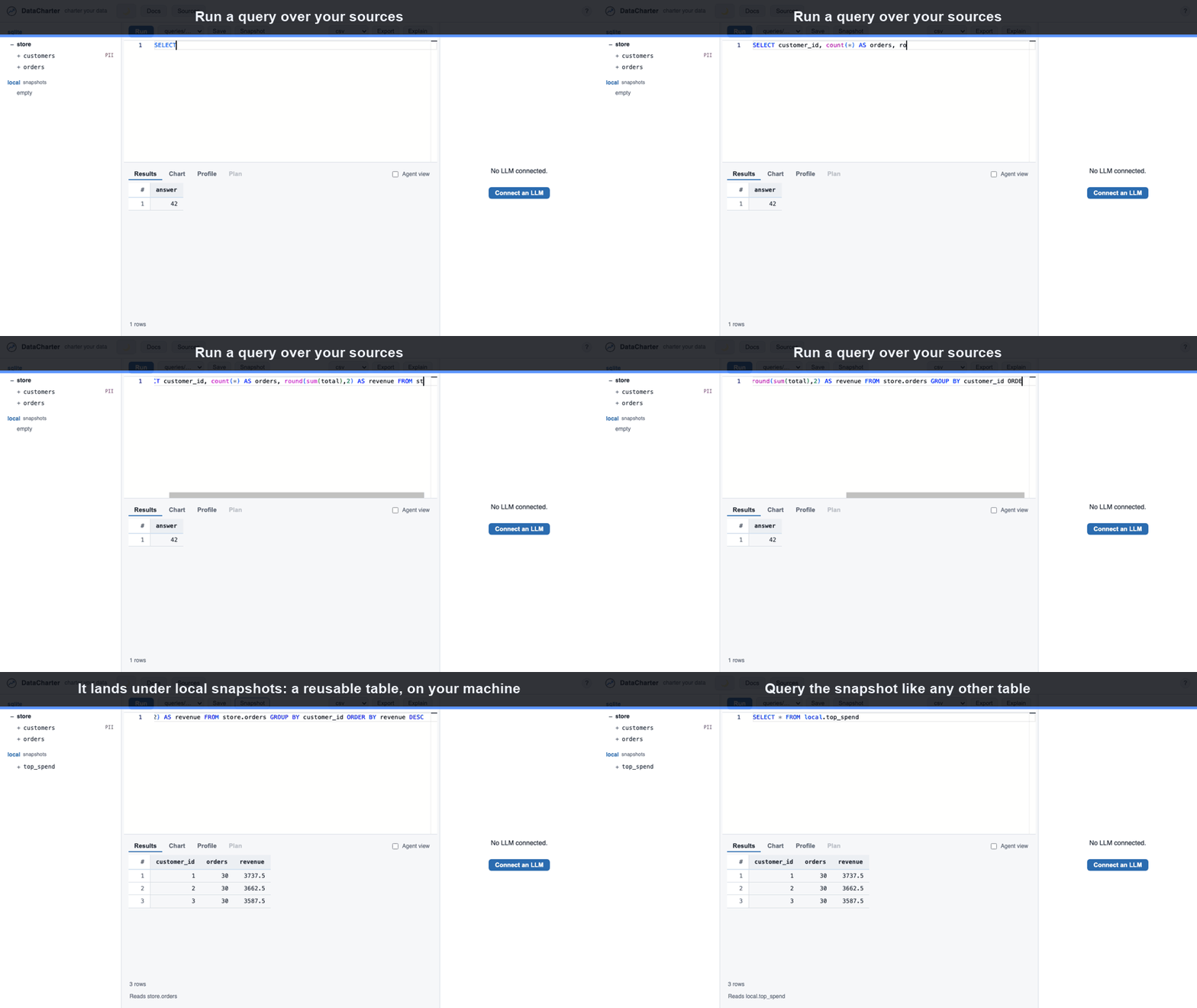
Snapshots — save a result as a local table
Run a query, click Snapshot, and the result is saved as local.<name> —
a reusable table kept in .datacharter/ on your machine. Query it like any
other relation; datacharter recheck <name> re-runs its SQL and diffs against
the saved copy. To remove a snapshot (or a table you dragged in) later, click the
✕ next to it in the source tree.
Portable by construction
- Commit
charter.yaml+queries/+.env.exampleand your teammates get the same sources and saved queries with agit clone+datacharter serve. - Secrets never travel.
charter.yamlonly references${NAME}; the real values live in.envor your OS keyring, both outside version control. - Local state never travels.
.datacharter/(cache, history, snapshots, encrypted spill) is git-ignored and re-created per machine. - Paths stay relative. The loader warns on absolute or Windows-style paths so a workspace relocates cleanly across machines and operating systems.
The result: your team’s whole data-exploration setup is a repo. Clone it, run it, and you’re looking at the same sources — while credentials and local state stay on each person’s own machine.