Desktop app (beta)
DataCharter as a double-clickable app for macOS and Windows — the governed explorer in a native window.
DataCharter as a real application: a native window over the same local server —
no terminal, no Python, no browser tab. Pick a workspace folder (or start with
the demo), and everything works exactly as it does under datacharter serve:
the explorer, guides, evals, audit, the governed agent surface.
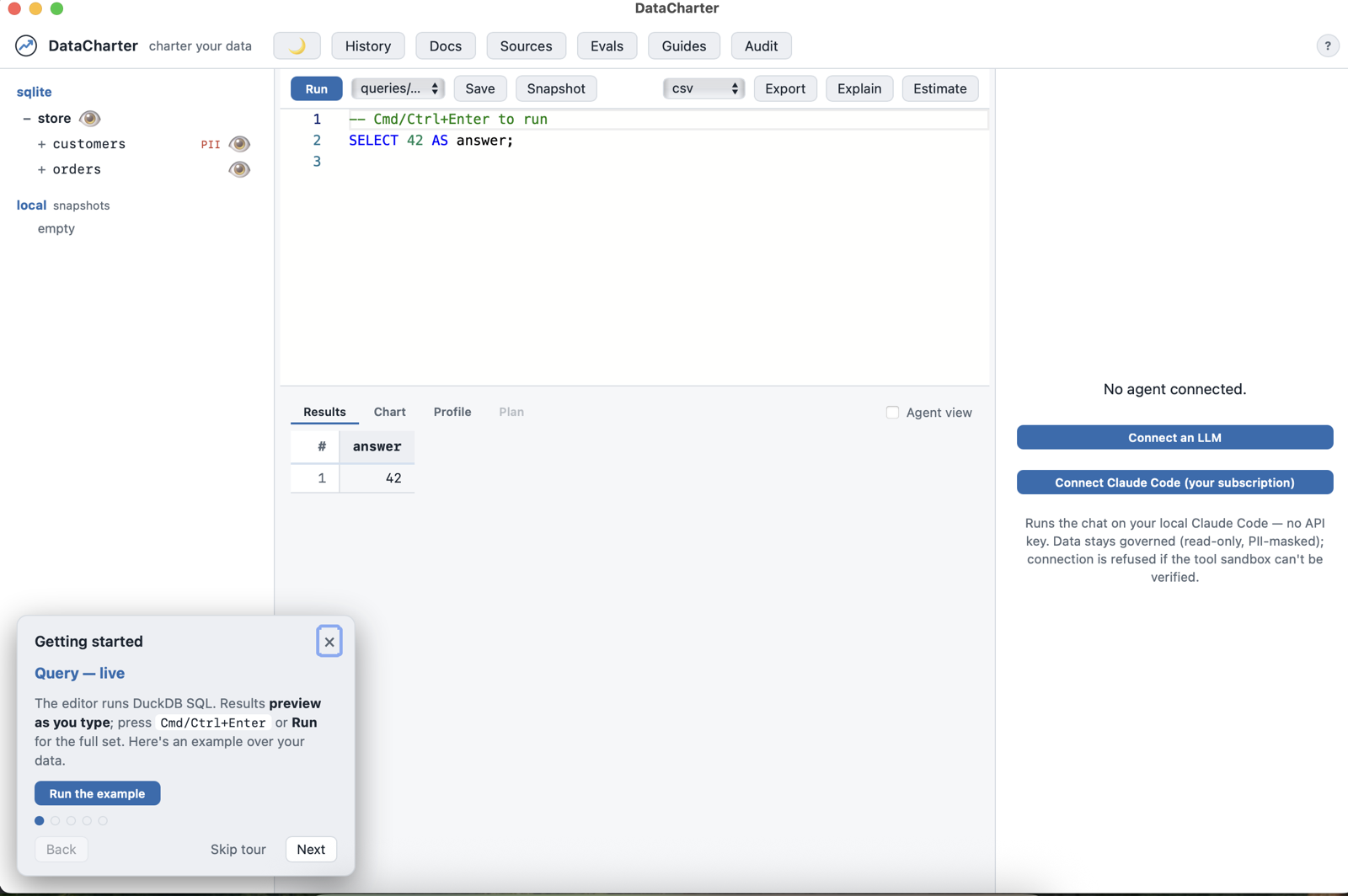
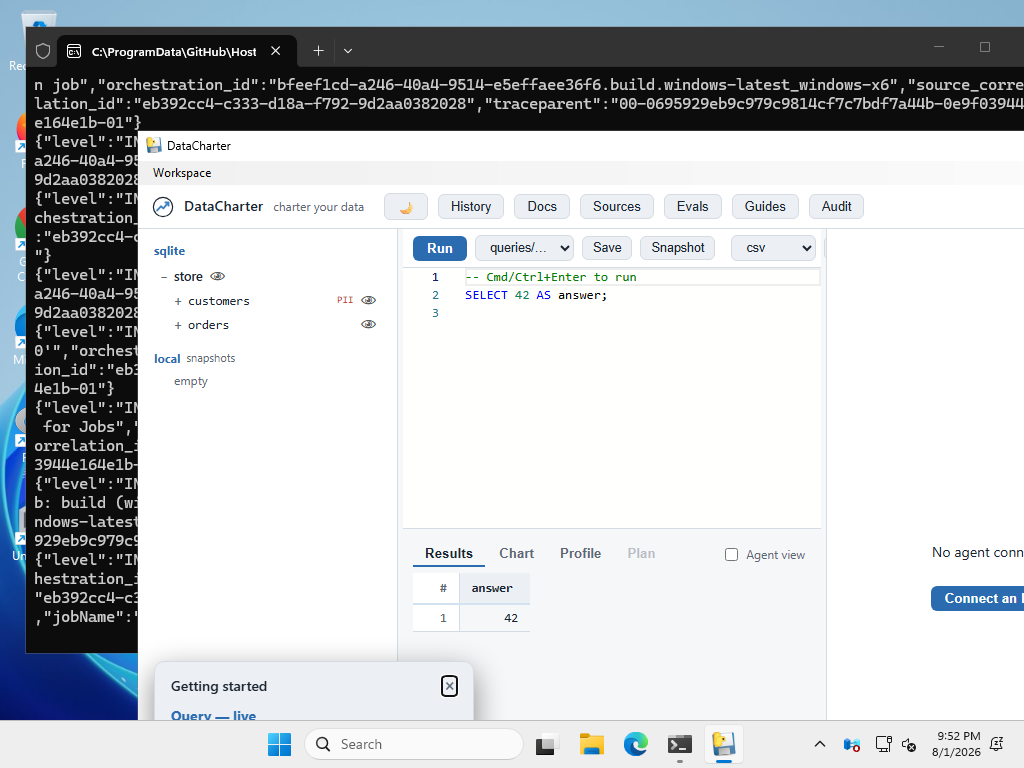 The Windows build, captured automatically on every release by CI.
The app opens with an 11-step guided tour covering the whole arc: query your data, see what an agent sees, guides, policies, the audit chain, and evals.
Download (beta)
Grab the artifact for your platform from the latest release:
| Platform | File |
|---|---|
| macOS (Apple Silicon) | DataCharter-<version>-macos-arm64.dmg |
| Windows 10/11 | DataCharter-<version>-windows-x64.zip |
Intel Macs: use brew install datacharter/tap/datacharter or uvx datacharter —
GitHub retired free Intel macOS runners, so we don’t ship an Intel build.
The app remembers your last workspace and keeps a Workspace ▸ Recents menu.
brew install datacharter/tap/datacharter and uvx datacharter remain the
primary, friction-free paths — the app is for the days you don’t want a terminal.
macOS: opening an unsigned beta
These builds are not yet signed with an Apple Developer ID, and macOS Sequoia removed the old right-click→Open shortcut. First launch:
- Double-click the app; macOS will refuse with “Apple could not verify…”. Close it.
- Open System Settings → Privacy & Security, scroll to the Security section.
- You’ll see “DataCharter.app was blocked…” — click Open Anyway, then confirm Open in the dialog.
That’s a one-time step per version. Signing and notarization are wired in
desktop.yml and run when APPLE_CERT_P12 and APPLE_API_KEY_ID are set
on the repo. Until those secrets exist, the download stays an unsigned beta.
Homebrew and uvx installs have no such friction.
Windows note
The .exe is unsigned, so SmartScreen may warn: click More info → Run
anyway. The Windows build is verified by automated smoke checks in CI but has
not yet had long human soak time — treat it as beta and report anything odd.
How it works
The app is the same DataCharter you install from PyPI — a local FastAPI server plus the web UI — wrapped in your OS’s native webview (WKWebView on macOS, WebView2 on Windows). It binds to localhost only, and every governance layer (masking, row filters, read-only guard, audit, canaries) applies identically.